AE2 Import Export Card


Import, Export and Block Picker cards allow you to import/export items out of your inventory
Import Card
The import card takes items in specific slots of your inventory and dumps them into your ME system.
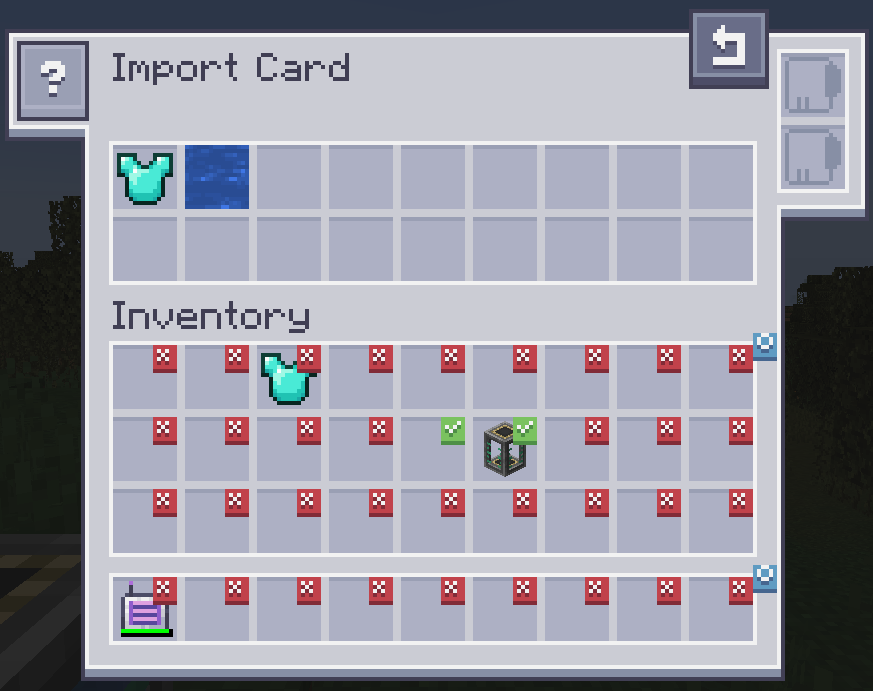
Clicking on slots makes a checkmark. Any item in the slot that has a checkmark will get imported to your ME system. Drag items from your inventory to the top to change the filter.
Upgrades
The Import Card supports the following upgrades:
 Карта размытости filter by damage level and/or ignore item NBT
 Карта-инвертер switches the filter from a whitelist to a blacklist
Recipe


Export Card
The export card works exactly the same but will pull items from your ME system into your inventory.
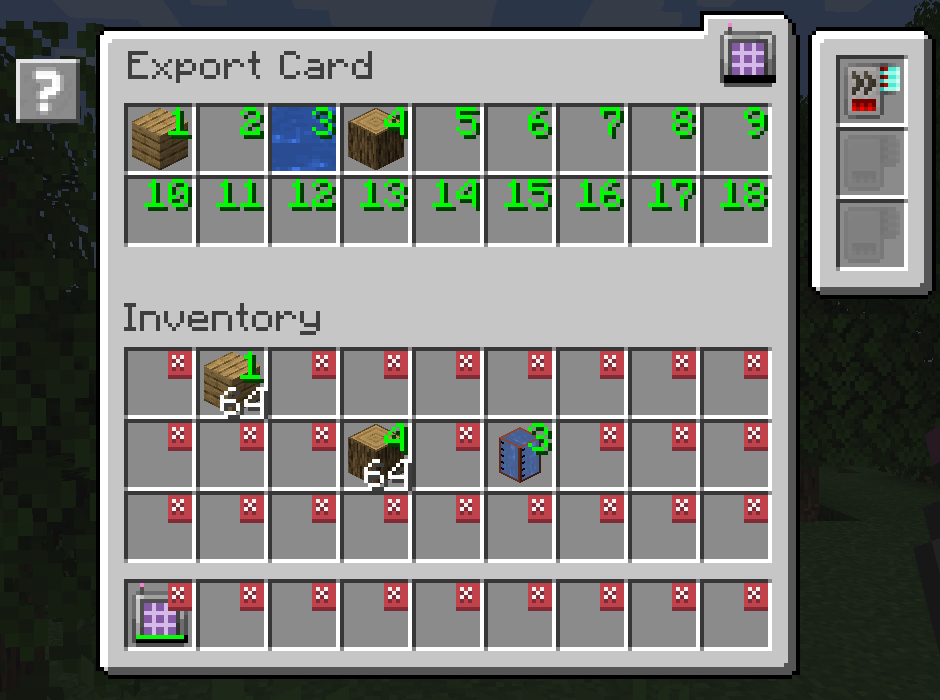
To specify what items, drag the item from the inventory into one of the slots at the top and click on a slot in your inventory to change it to the desired number. Right clicking clears back to X.
Upgrades
The Export Card supports the following upgrades:
- Карта размытости filter by damage level and/or ignore item NBT
 Карта ускорения improves the transfer speed from 1 to an entire stack of items
 Карта изготовления automatically request and craft items that are currently not available
Recipe

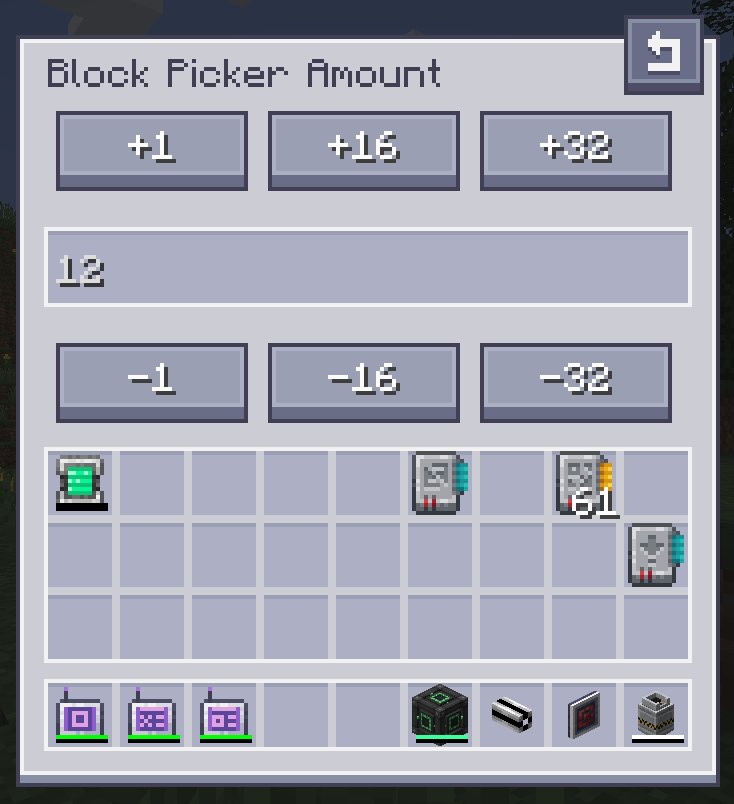
Block Picker Card
The Block Picker Card lets you extract the block you are currently looking at directly from your Network. Simply aim at a block and press the "Pick Block" keybind. If the matching block is available in your network, it will be extracted into your inventory.