Right-click a researchable rune in any GUI to open the research menu, where you can connect paths to construct a graph that element flows match expectations.
Press Press =/- to expand / shrink canvas, R to compile, and F to save the graph.
On the upper right section, you can see the expected flow of elements, and you can drag-and-drop elements to change slots.
If an element is sending particles to another element, your graph should have path for the element to reach there. If it leads to multiple elements, your graph should evenly distribute the flows among the destinations.
Once you establish a graph and compile, you can click on element sources in graph to see individual flow of each elements. Then you can hover onto each connection to see the exact amount of flow there.
Cost of a graph is the number of nodes you used. Minimizing cost would make the spell more efficient and reduce mana consumption.
Flow Mechanics 1
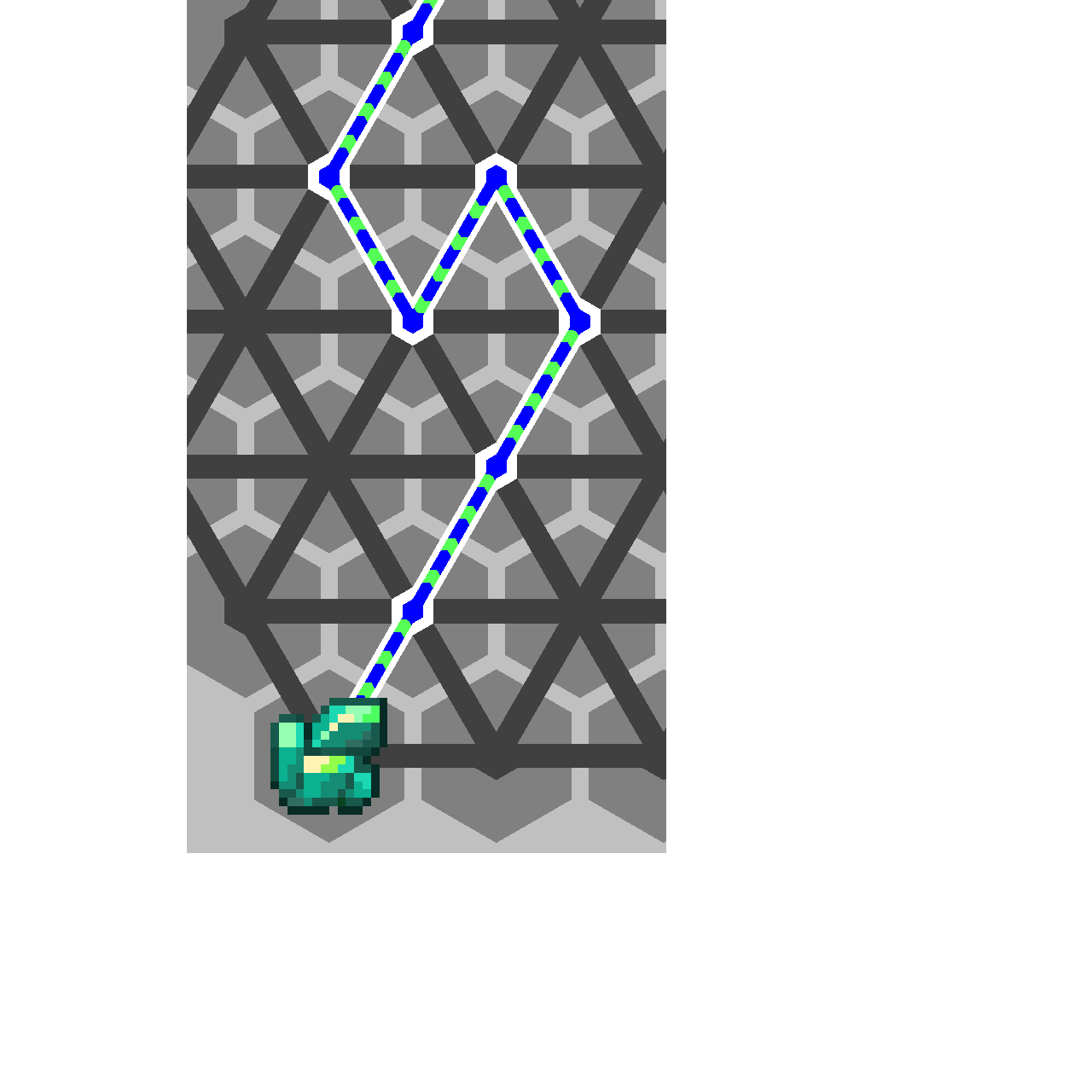
Flow follows the path if there is only one way to go
Flow Mechanics 2
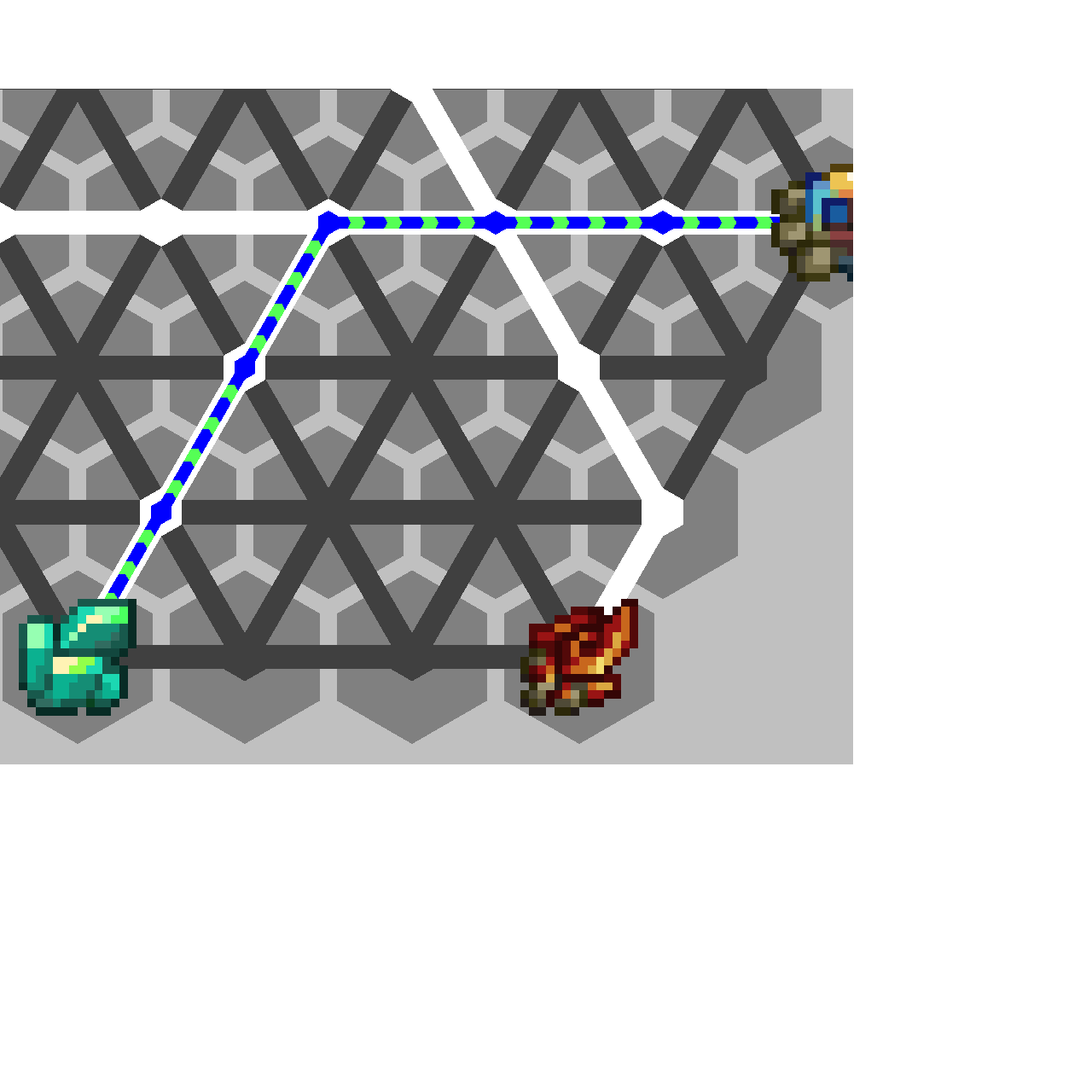
If there are multiple paths forward, flow follows the one the has least deviation
Flow Mechanics 3
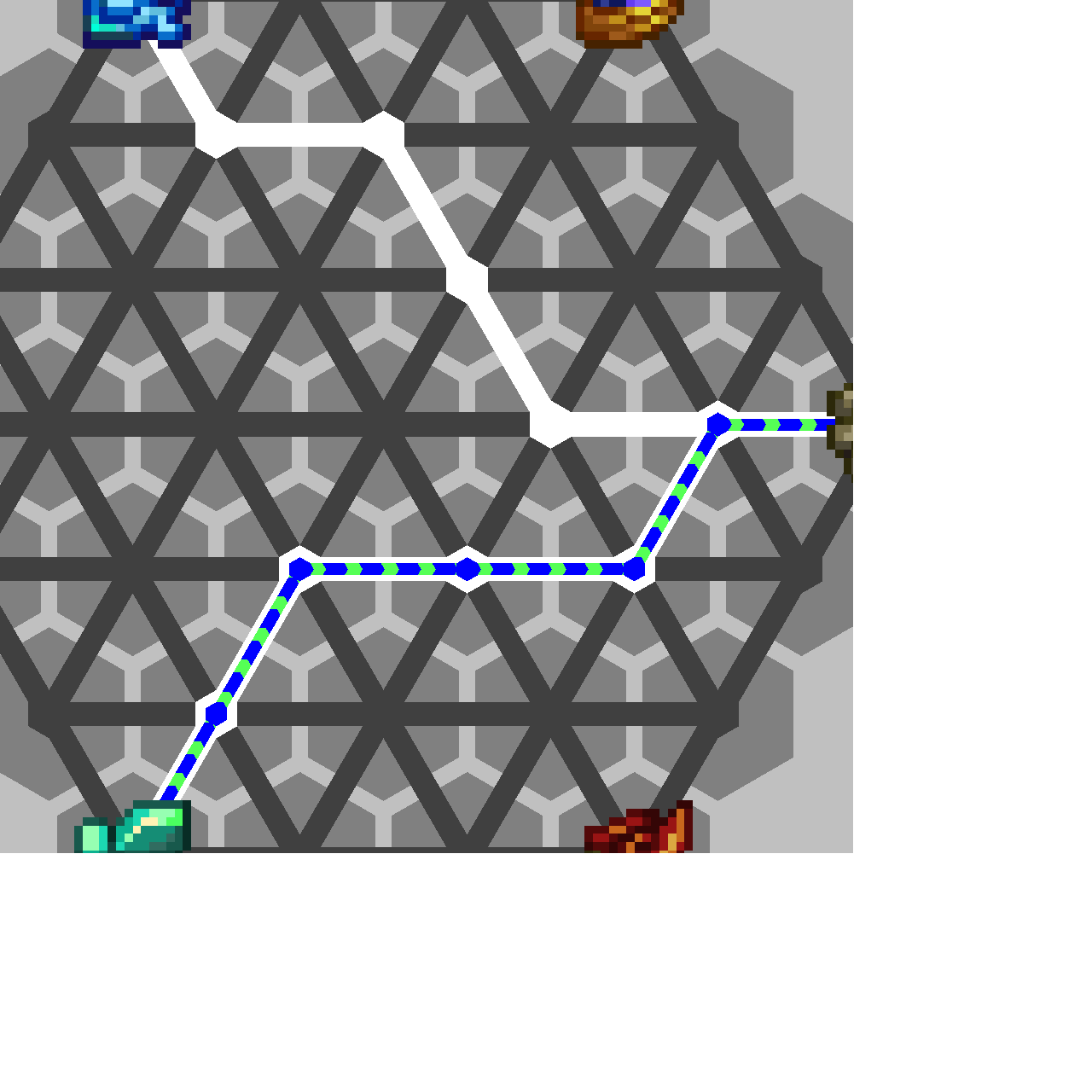
You can use this technique to create paths that separate incoming and outgoing flows
Flow Mechanics 4
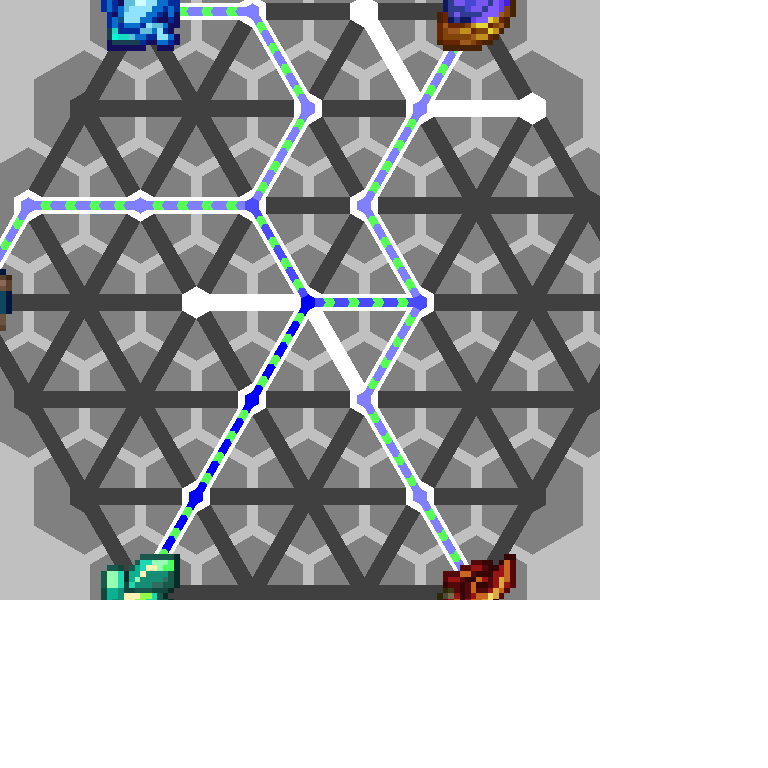
If there are 2 paths with same deviation, the flow is split into 2
Flow Mechanics 5
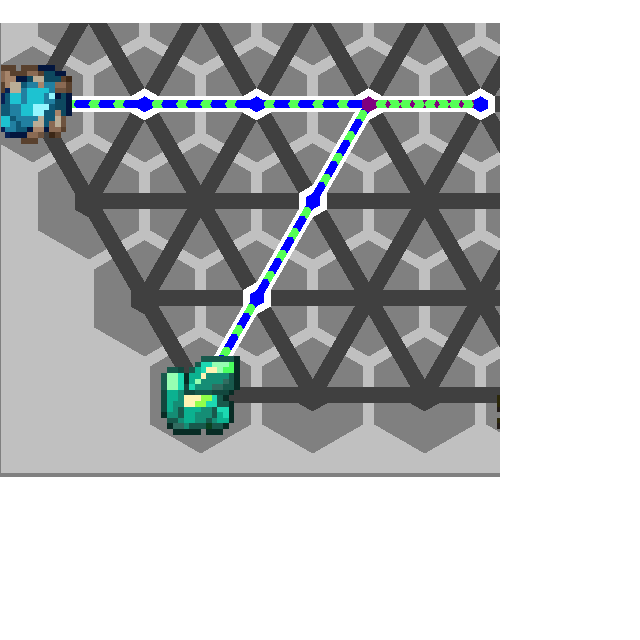
If flow reaches dead end, it will go back
Flow Mechanics 6
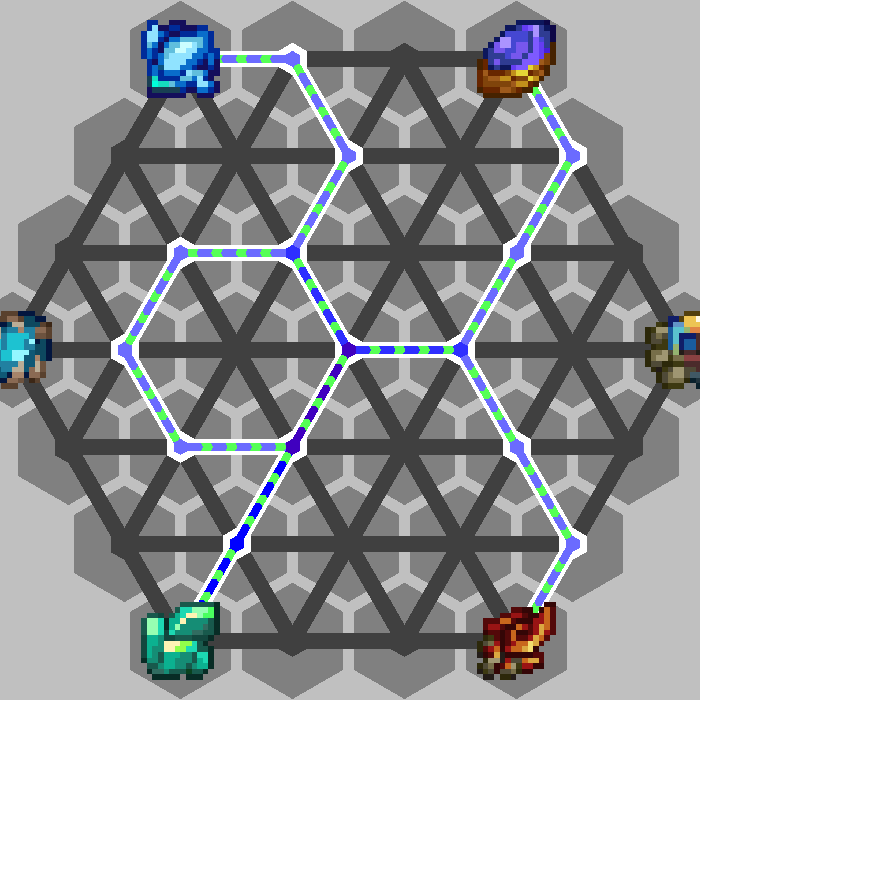
You can loop back flows to create non-binary fractions of flow