
Модификатор шаблонов — предмет из мода ExtendedAE.
Как работает #how
Pattern Modifier
Pattern Modifier is a tool for bulk pattern modifications.
Right-click it to open its GUI.
Multiply Mode
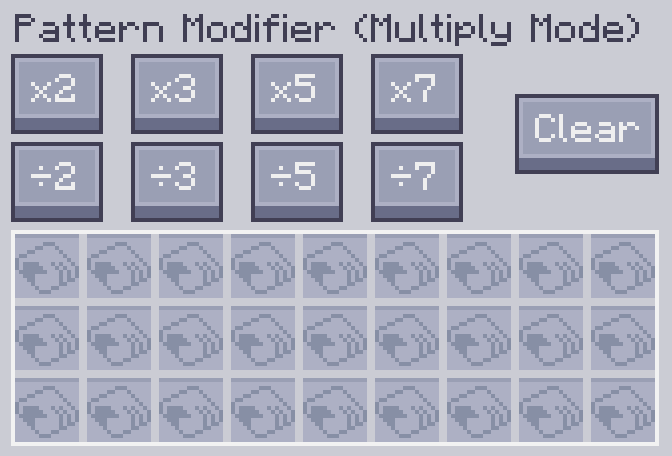
You can multiply or divide a processing pattern's input and output quantities by a factor of x by clicking the corresponding button.
Original Pattern:
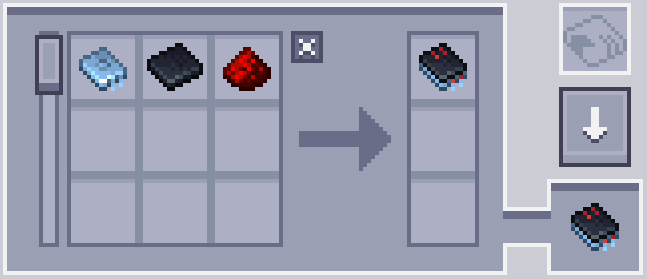
After ×10:
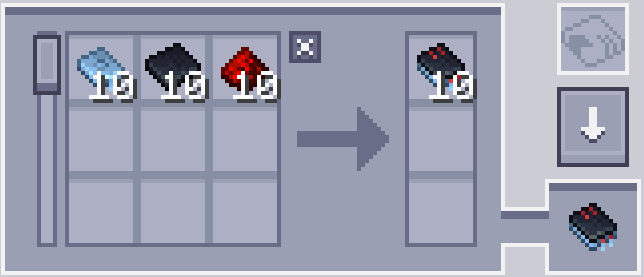
It can also clear the contents of all patterns and turn them into blank patterns by clicking the Clear button.
Notes
-
The division button only works when the relevant amount is evenly divisible. For example, the ÷2 button will not work when a pattern requires 3 cobblestones as input, because 3 ÷ 2 is 1.5.
-
The multiplication button has a cap of 999999. It cannot increase a single ingredient's amount beyond this number.
Replace Mode
Replace a specific input or output ingredient in a pattern with another item.
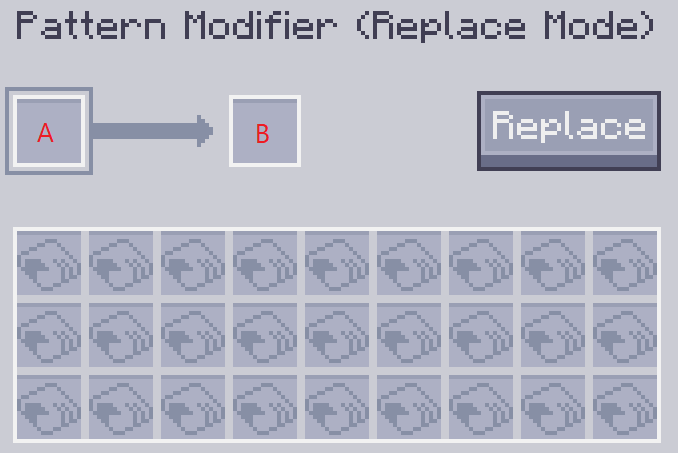
Slot A is the item to be replaced, and slot B is the replacement item.
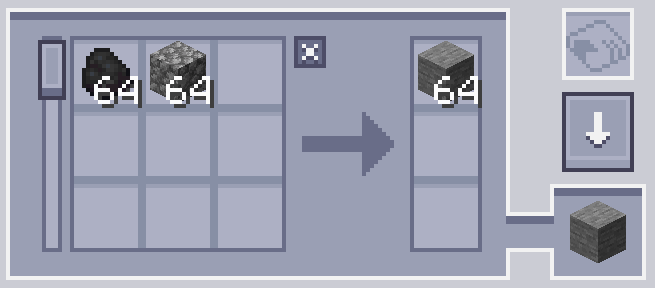
For example, the following setting will replace the plank with coal.
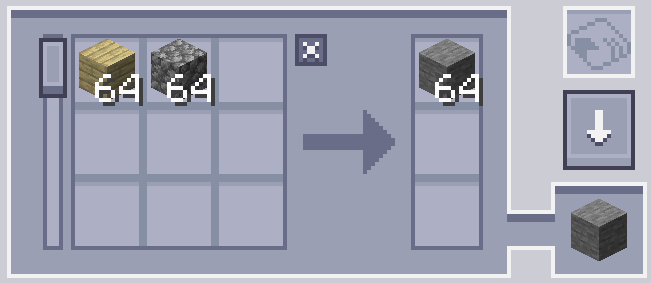
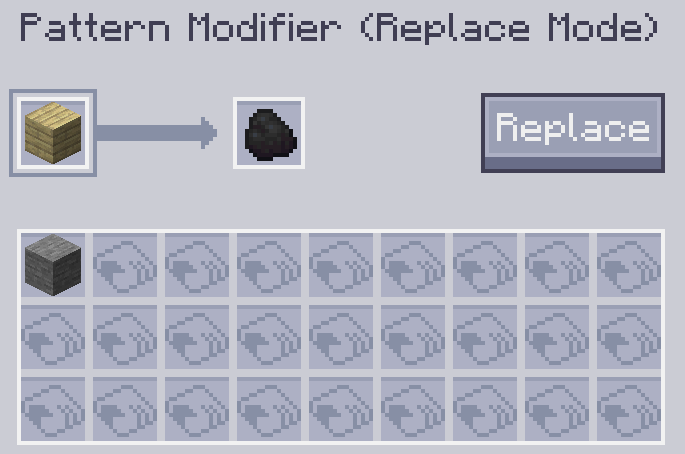
Click the Replace button to perform the replacement.
Property Mode
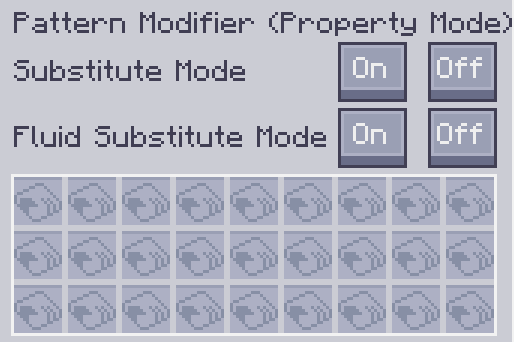
Modify a crafting pattern's Substitutions and Fluid Substitutions modes.
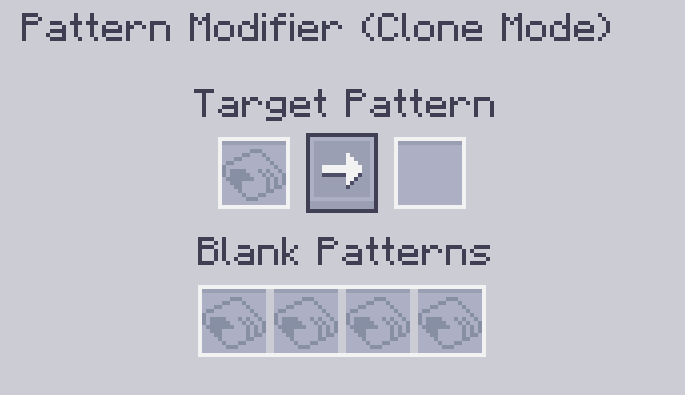
Clone Mode
You can make a copy of any given pattern in this mode.
Мод не переведён — текст книги на английском, как в игре.
Читать запись целикомПолучение #obtain
Делают по 1 рецепту: верстак.[2]

 ×2Зелёный краситель или другой предмет из тега (Minecraft)
 ×1Пустой шаблон (Applied Energistics 2)
 ×1Логический процессор (Applied Energistics 2)
Источники
- Встроенная книга «ExtendedAE — руководство», запись «Pattern Modifier»
- Рецепты из jar модов без изменений сборок